

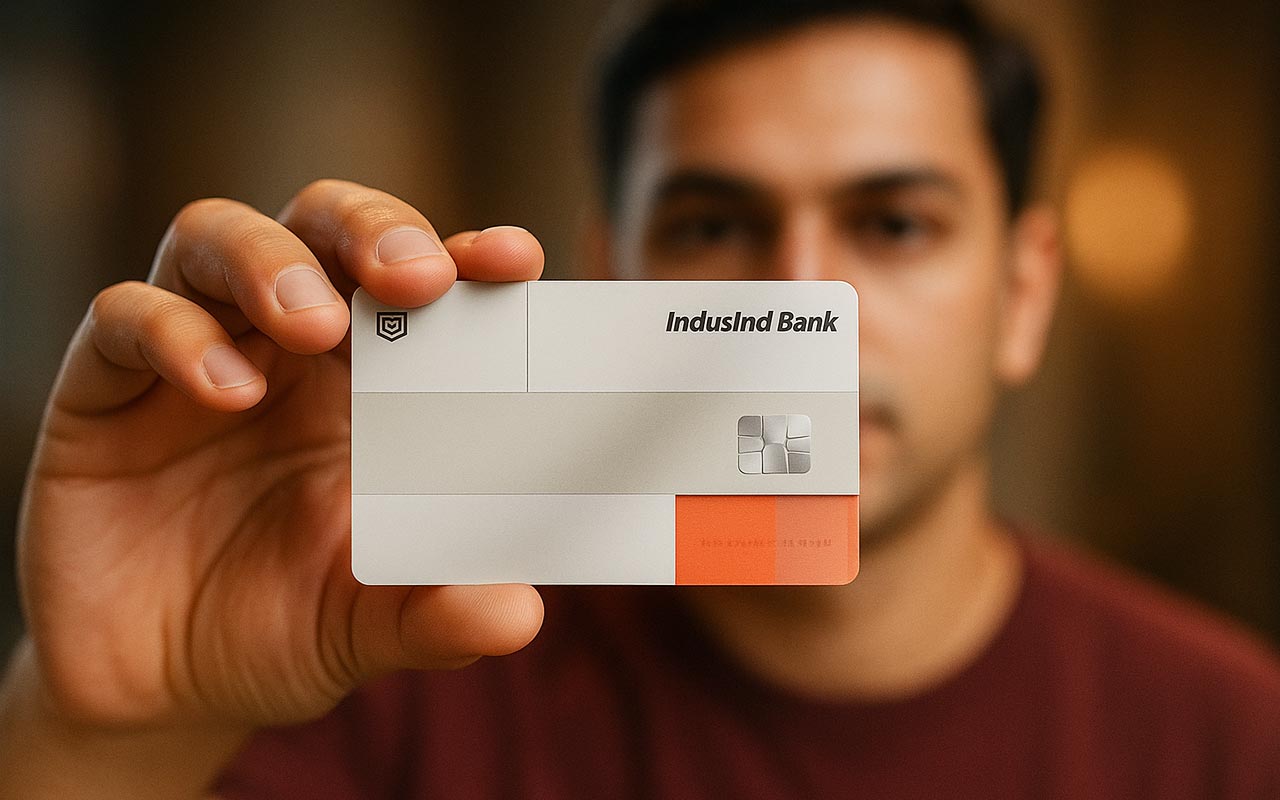
Late fees are usually not about lack of funds, but missed reminders. With today’s app-based tools like alerts, auto-debit, and quick payment tracking, paying on time has become much easier. If you plan to apply for credit card options, check the bill-payment features as closely as rewards, because they can help you avoid late charges and keep repayments consistent.
Why Do Late Fees Happen Even to Organised People
Most missed payments come down to avoidable conflict, such as:
- Statement notifications are getting buried in email.
- Due dates falling around salary cycles or travel days.
- Paying from the wrong account or using an outdated saved biller.
- Assuming payment is done without checking the final success status.
In-App Tools That Keep You on Track
Most issuers now offer app-first controls that reduce missed payments. Some banks, including AU Bank, highlight digital card management and payment convenience as part of their card proposition.
Intelligent Alerts for Statements and Due Dates
Turn on push notifications and SMS alerts for statement generation, due date reminders, and payment confirmation. This is often the most straightforward fix because it creates multiple nudges instead of relying on memory.
Auto-Debit and Standing Instructions
Auto-pay is one of the most effective safeguards. You can usually set it to pay the total amount due or a chosen amount based on issuer rules. Even if you prefer manual payments, auto-debit works well as a backup when life gets busy.
Payment Receipts and Status Tracking
A payment is only done when it shows a final success status, and you have a receipt or reference. Good apps store confirmations so you can resolve disputes quickly if the payment does not reflect immediately.
Spend and Limit Controls That Prevent Bill Shock
Overspending is a silent reason people delay payments. Use available controls like transaction alerts, temporary card lock, or online spend toggles. If you use a Rupay credit card for frequent daily spending, these controls can help you stay aware of total usage before the bill arrives.
Digital Payment Features That Simplify Credit Card Bill Payment
UPI bill fetch, saved payees, and instant confirmations reduce manual effort and make credit card bill payment quicker and less error-prone.
UPI and Bill Fetch Flows
Many apps support bill fetching for credit card bill payment, so you can view the payable amount and authorise the payment in a familiar flow. This reduces manual errors, especially when you manage more than one card.
Saved Payee Templates in NetBanking
If you pay through NetBanking, save your card as a verified payee and avoid re-entering details each month. It is faster and reduces the risk of paying the wrong account.
Calendar Reminders That Actually Work
Add your statement date and due date to your phone calendar with repeating reminders. Set one reminder when the bill is generated and another a few days before the due date, so you always have time to act.
Simple Habits That Make These Tools More Effective
Pay soon after the statement is generated, keep alerts on, and always save the payment confirmation.
- Pay soon after the statement is generated, not on the due date.
- Keep one backup payment method ready in case an app or bank server is slow.
- Review your statement summary so you are not surprised by the total due.
What to Check When You Apply for a Credit Card
Before you apply for credit card offers, look for payment support features such as clear alerts, easy bill fetch, dependable auto-pay, and visible receipt history. If you are choosing a Rupay credit card for QR-led daily usage, prioritise strong app controls and smooth bill payment options, because higher frequency spending needs tighter tracking.
Final Thoughts
Avoiding late fees is less about willpower and more about systems. Use reminders, auto-debit, and in-app controls to make timely payments the default. The best card experience is the one that stays simple month after month, especially when your schedule is not.
